> ## Documentation Index
> Fetch the complete documentation index at: https://tyk-docs-goja-inline-mintlify.mintlify.site/llms.txt
> Use this file to discover all available pages before exploring further.
# Managing Environments in Tyk Cloud
> Learn how to manage Environments in Tyk Cloud
## Introduction
Environments are used to group your [Control Plane](/tyk-cloud#glossary) and [Cloud Data Planes](/tyk-cloud#glossary) into logical groups. For example you may want to create environments that reflect different departments of your organization.
The number of Environments you can create is determined by your [plan](/tyk-cloud/account-billing#select-a-payment-plan)
## Prerequisites
The following [user roles](/tyk-cloud/teams-users#assign-user-roles) can perform Environment Admin tasks:
* Org Admin
* Team Admin
You should also have created a team to assign to any new environment.
## Adding a New Environment
1. From the Environments screen, click **Add Environment**
2. Select the team you want to assign to the Environment
3. Give your new Environment a name
4. Click **Create**
## Editing an Existing Environment
An Org Admin can perform the following:
* Rename an Environment
* Delete an Environment
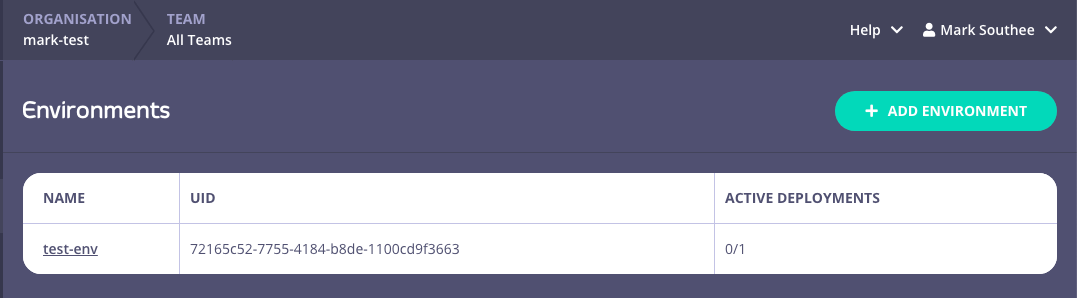
1. Click the environment Name from your list
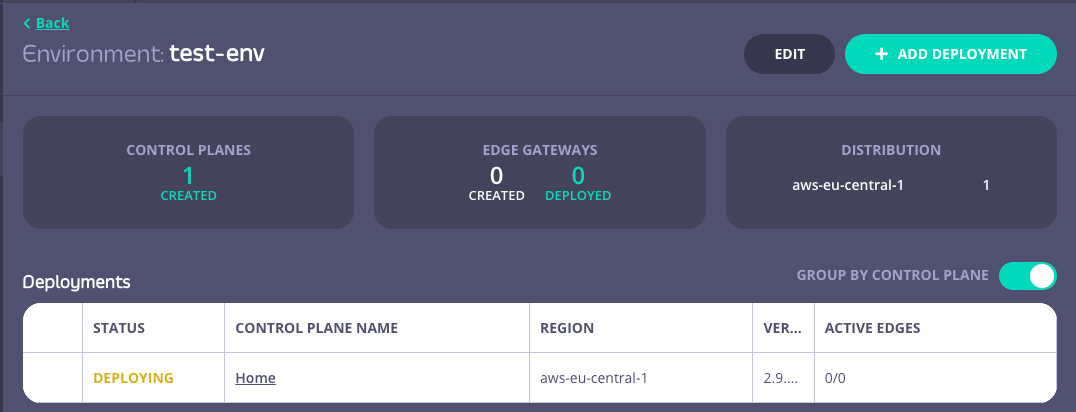
 2. Click Edit
 3. You can now rename the environment, or delete it from your organization
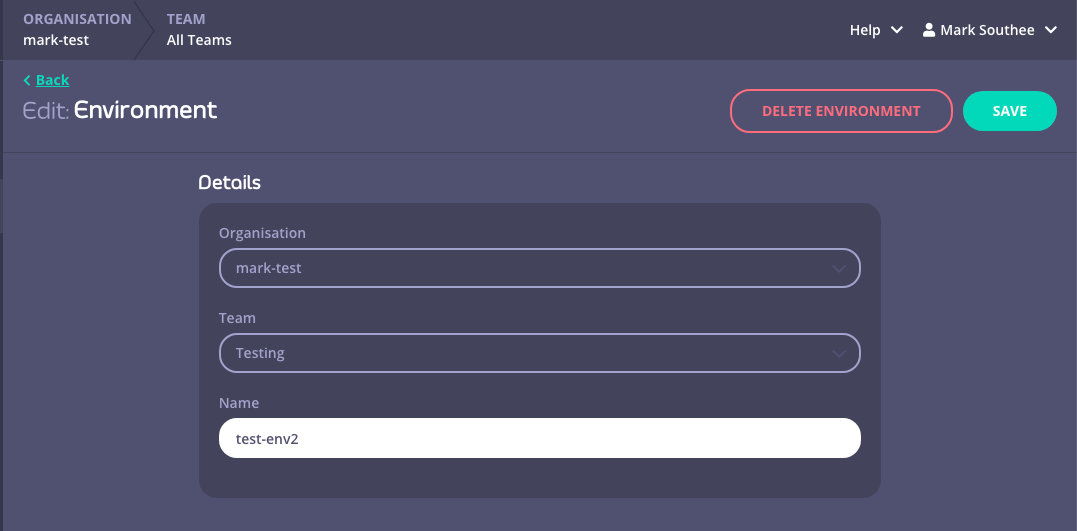 Deleting an environment will also delete all the Control Planes and Cloud Data Planes associated with it